
Clash Box Download & Config | HarmonyOS Native Network Tool v1.5.1
Clash Box is a native client tool built specifically for HarmonyOS NEXT, developed based on the Clash Meta (Mihomo) kernel. It perfectly adapts to HarmonyOS system features, filling the gap in the native ecosystem for proxy tools, supporting a wide range of proxy protocols and rule-based routing functions. Official Repository ↗

App Preview:
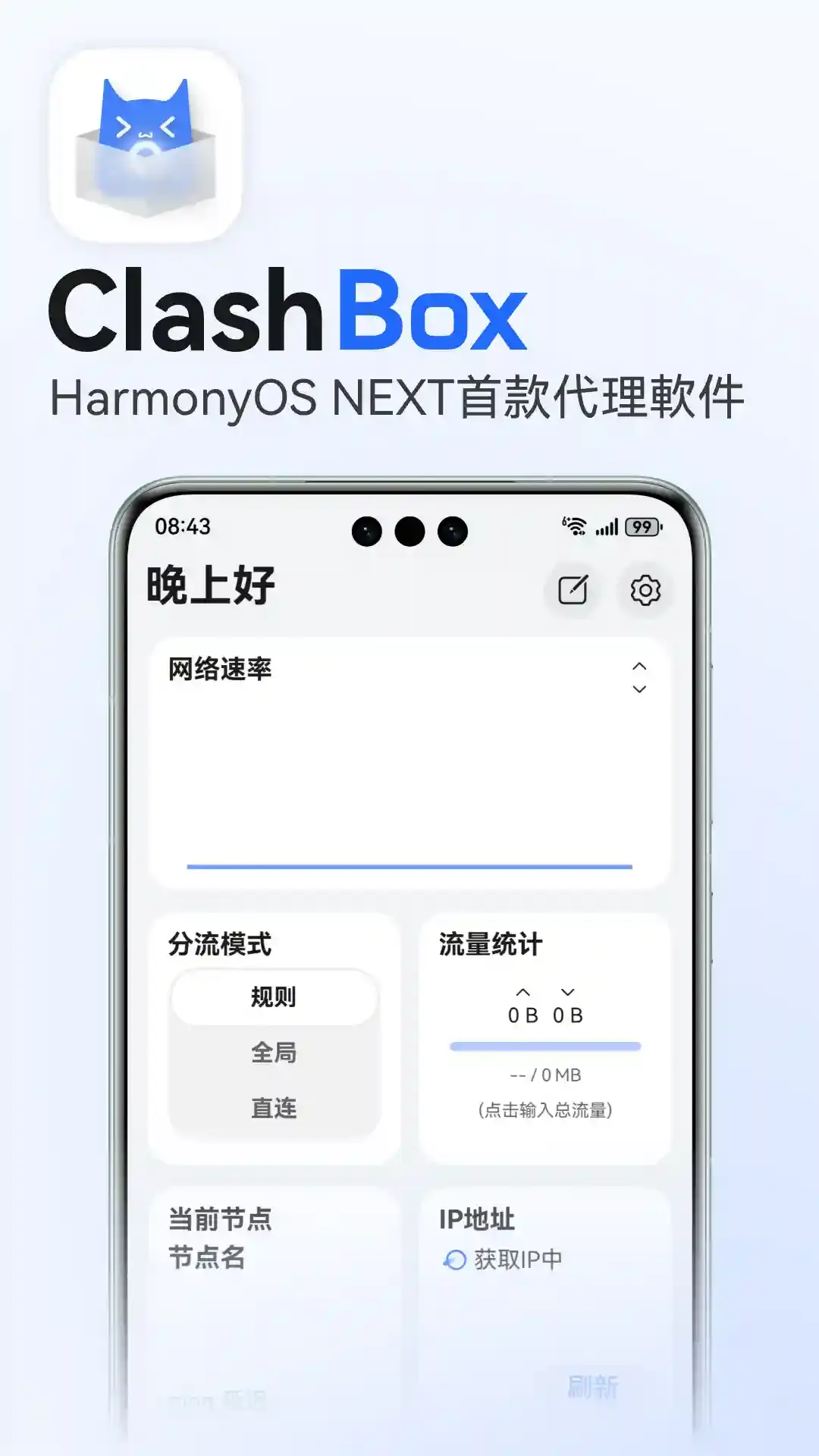
Clash Box Download
| Platform | Architecture | Description | Official Download | Fast Download |
|---|---|---|---|---|
| HarmonyOS |  | HarmonyOS Native App | Direct Link | ⚡️Fast Link |
⚠️ Pre-installation Notice
Clash Box is not an out-of-the-box ordinary application and has a high installation threshold. Please be sure to read the following restrictions:
Complex Installation Method: Currently, only the HarmonyOS
.hapinstallation package is provided, and it cannot be installed directly. You need to use Auto-installer or DevEcho Testing tools and possess the ability to self-sign certificates for sideloading.Validity & Network Restrictions:
- Validity: Self-signed Apps default to only 14 days validity. After completing developer real-name authentication, it can be extended to 180 days.
- IP Restrictions: The Huawei signing server blocks non-Mainland China IPs. If you are overseas, you need to use a Mainland China network environment for signing.
1. Install App
(Detailed installation tutorial via DevEcho Testing or other sideload tools would go here, often referring users to external specific guides due to complexity)
2. Get Configuration
- Login to the official website
- Enter the Dashboard
- Click
"One-click Subscription"then click"Copy Subscription URL"
3. Import Configuration
- Open Clash Box client
- Paste the configuration interface address and download the configuration.
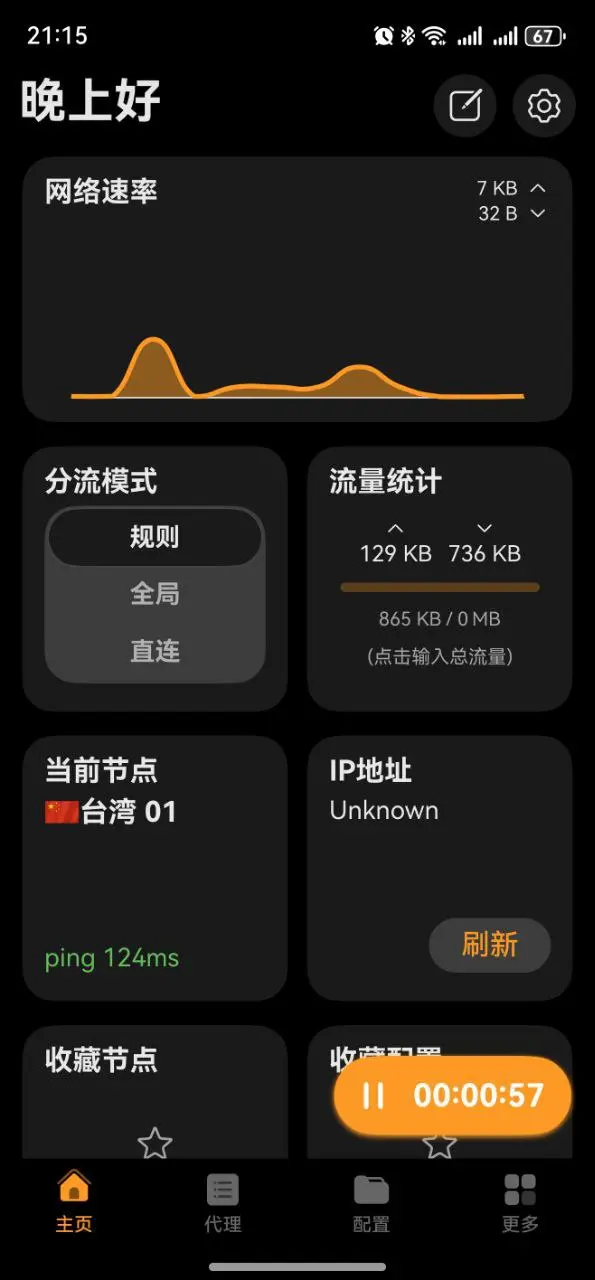
4. Start Program
- Click the start button to enable network services.