FlClashX Download and Setup | FlClashX v0.2.1 Cross-Platform Client
FlClashX is a fork of the cross-platform client FlClash, based on Mihomo. It is simple to use, open-source, and ad-free. Official Repository ↗

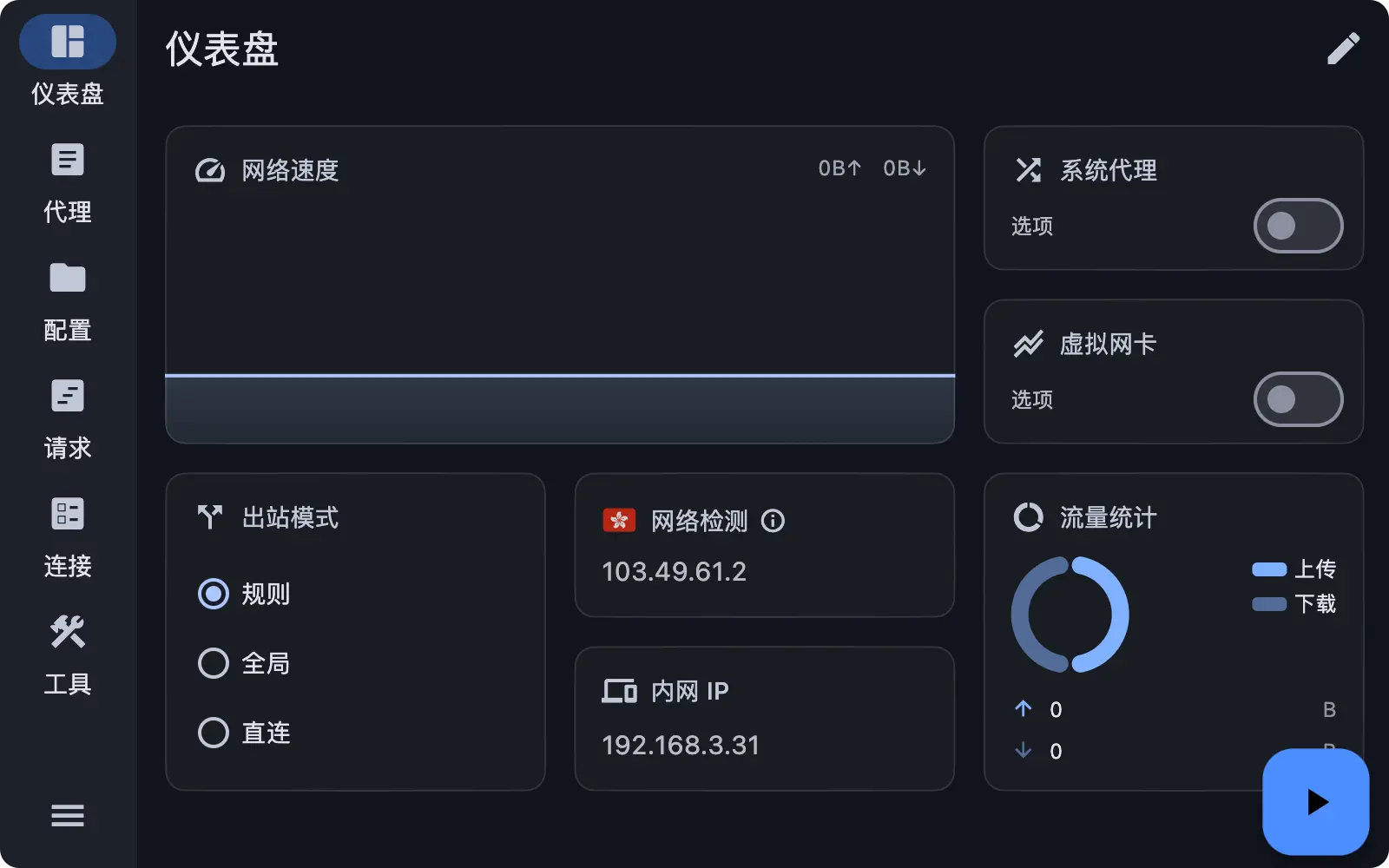
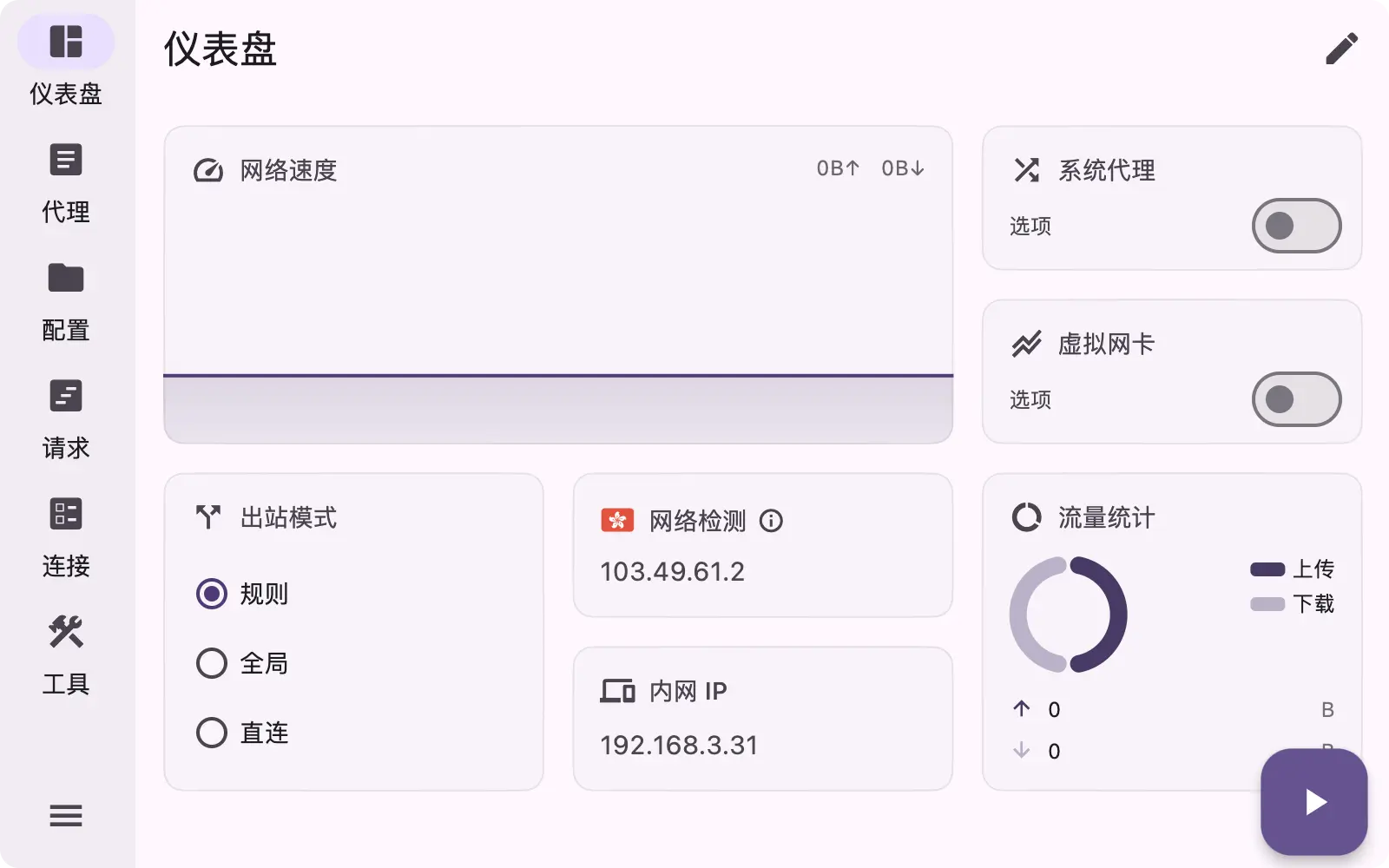
App Preview:
FlClashX Download
Here are the recommended download links for each platform. If you need more versions, please visit GitHub Releases.
| Platform | Architecture | Description | Official Download | Fast Download |
|---|---|---|---|---|
| Windows |  | ⭐ Recommended (64-bit) | Direct | ⚡️ Fast |
| macOS |  | ⭐ Recommended (M1/M2/M3) | Direct | ⚡️ Fast |
 | Intel Chip | Direct | ⚡️ Fast | |
| Android |  | ⭐ Recommended | Direct | ⚡️ Fast |
| Linux |  | Debian/Ubuntu | Direct | ⚡️ Fast |
Quick Start
1. Download and Install
Download the installation package for your system from the list above and install it.
2. Get Configuration
Get the subscription link from your service provider. It usually looks like an HTTP link.
3. Node Selection
- Open FlClashX.
- Click the
Profilesicon on the left sidebar. - Click the
+button in the top right corner. - Input the subscription name (Name) and URL (URL).
- Click Add to save.
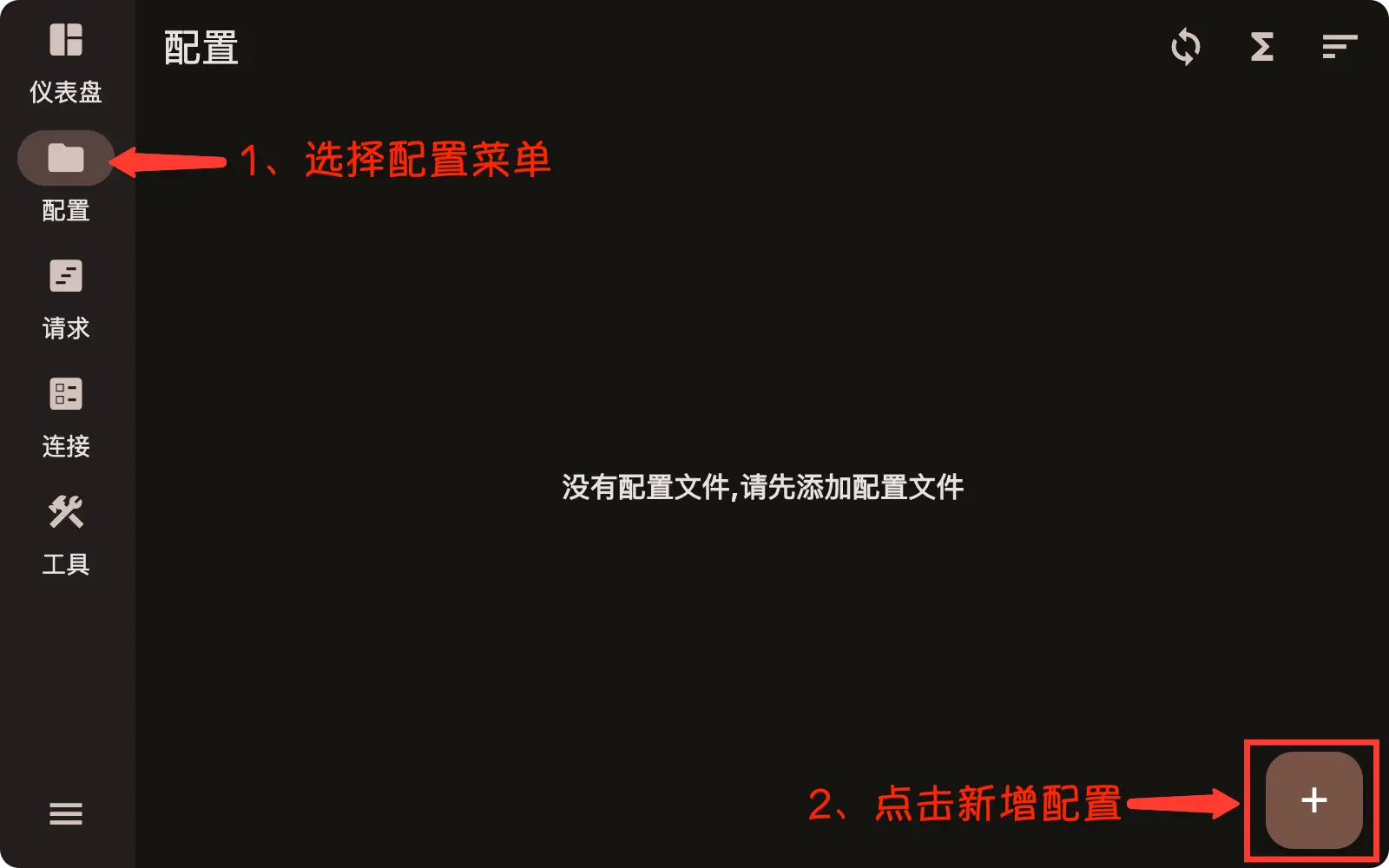
After adding successfully, go back to the Proxies page to select a proxy node or strategy group.
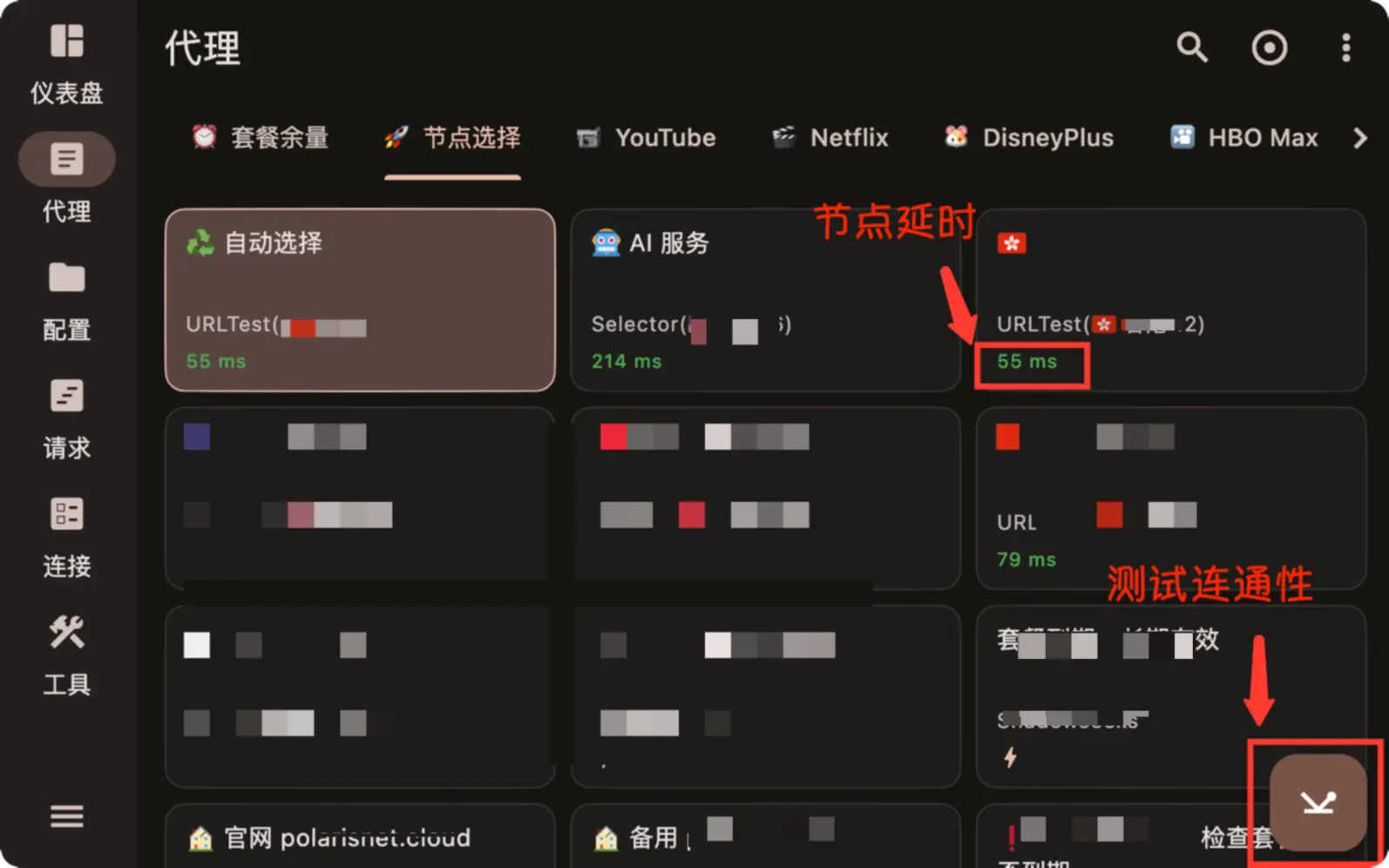
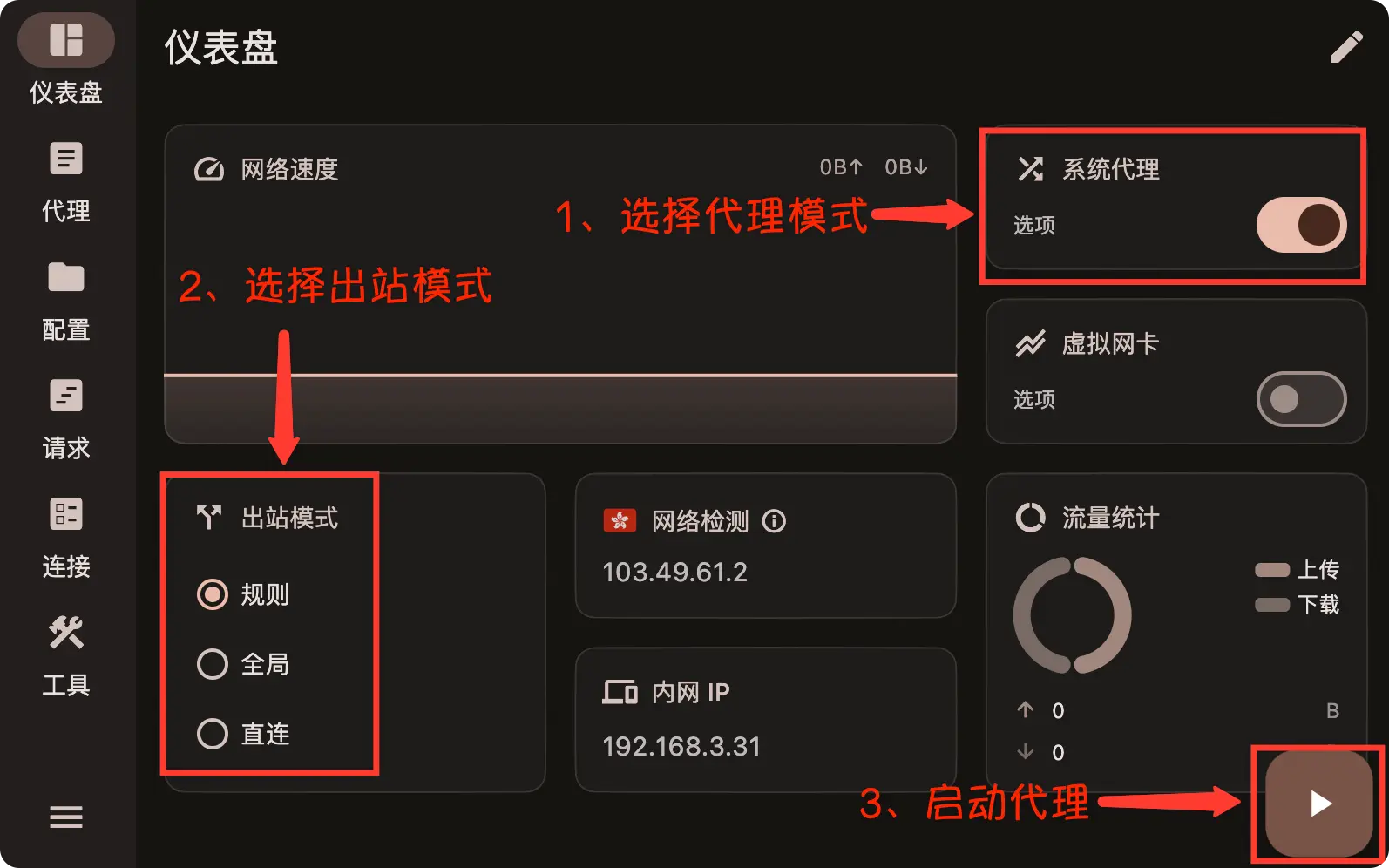
4. Start Service
Return to the Dashboard (Home), and click the Start button to enable the proxy.